
ORIGINAL STAGES · BROWSER BETA
Break the Targets.
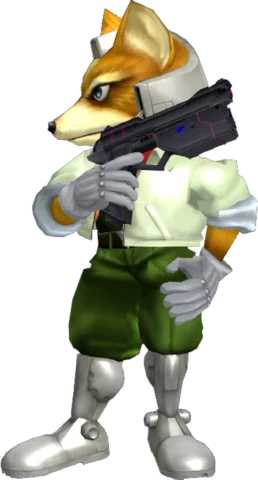
Pick your character. Break all ten targets. Chase your best time.
Play in browserNo ISO or Dolphin setup. Use desktop Chrome or Edge.
Note: Runs on this site are not yet approved for competitive leaderboards. See the leaderboard rules and Dolphin setup guide for more info.
One character. Unlimited attempts. Your best time, with its replay.
Online players —
Open Spectate →Connecting to live players…
| Player | Character | Status | Watch live |
|---|
Sign in and open the game to appear here automatically.
OFFICIAL TARGET TEST
Loading…
Loading browser records…
| Rank | Player | Time | UCF | Replay |
|---|
Best completed browser run per player. Sign in before playing to save your times. C-stick attacks and replay takeovers are practice runs and do not count. UCF on and off are accepted.
Beta · Browser-recorded times, not independently verified competition records. Personal-best replays are shared automatically.
READY WHEN YOU ARE
From your browser to your first clear
-
Open the game
Select Play in browser on desktop Chrome or Edge. Choose a character and press Break the Targets.
-
Connect your controller
A standard gamepad connects automatically. For a GameCube controller, download the connector from the game's Controller panel and follow its setup instructions. Keyboard controls are available too.
-
Sign in and play
Use Sign in in the game to create an account or use your existing Melee BTT account. Finish a stage to save your time and replay. Your personal best and its replay appear here automatically.
-
Watch, share, practise
In Your saved runs, choose Watch to replay a run or Share to make it watchable by others. You can also download the
.slp, step frame by frame, or take control to practise.